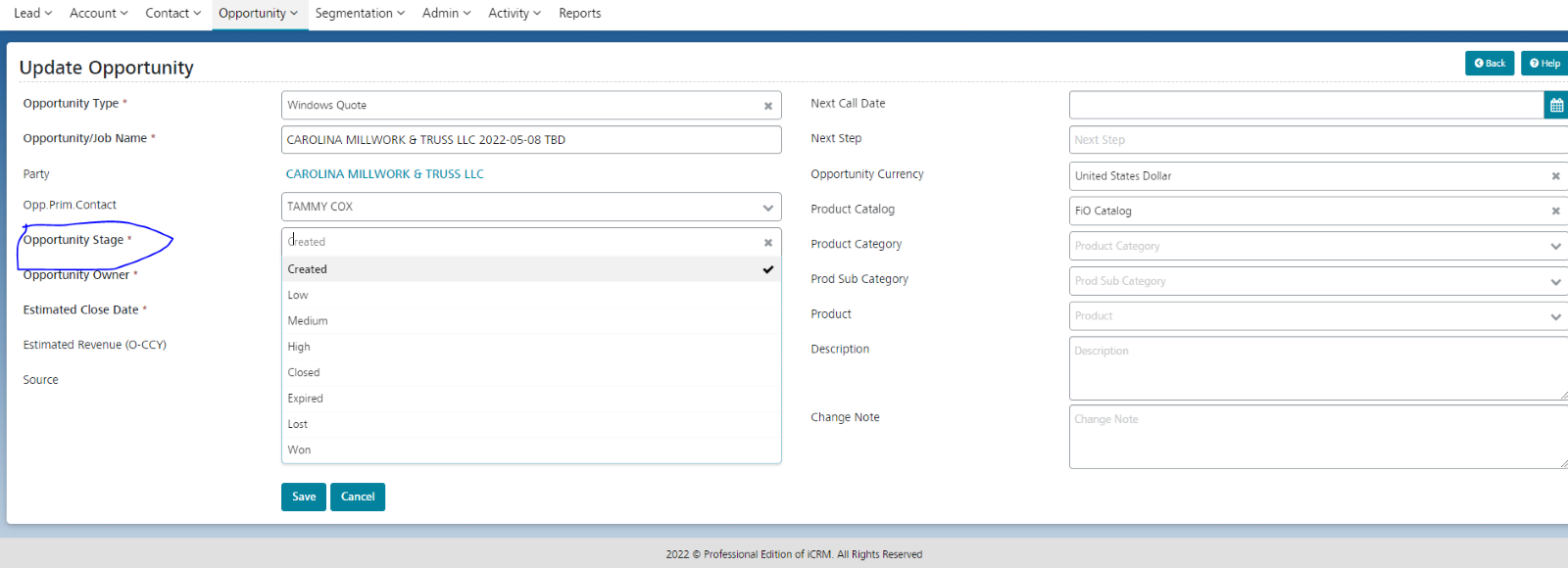


Opportunity Stages describe the high-level steps within your sales process. Update your deal as it moves closer to closing. Accurate stage information is important for forecasting, reporting, and meeting targets.
Each time the stage is updated, the system will map the new stage to the corresponding Opportunity Status, based on the Opp. Stage Configuration