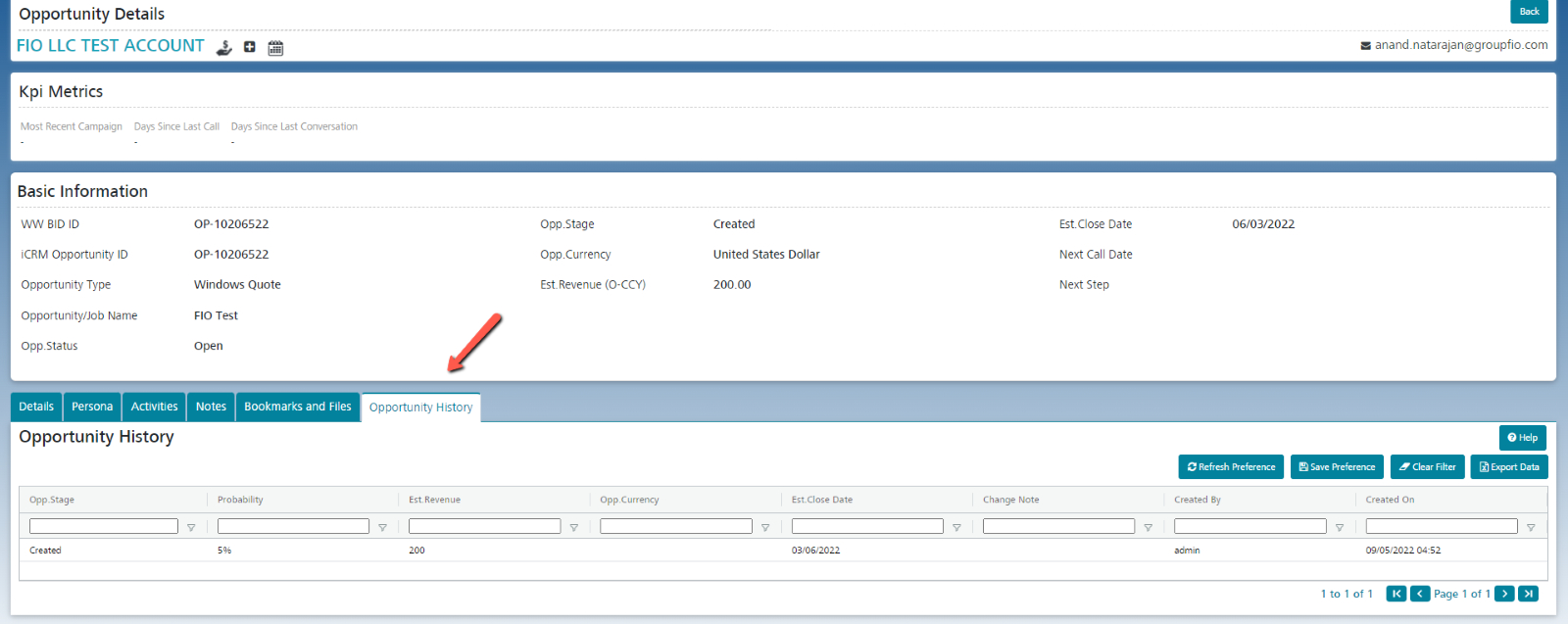


Any time a user creates a new Opportunity or changes the Opportunity Stage, Estimated Revenue, or Estimated Close Date on an existing opportunity, a new entry is added to the Opportunity History section. All entries include justification of the change and who made it.
Whenever the Opp. Stage changes, the Opportunity Status, and the Estimated Probability are also updated, based on the mapping in the Opp. Stage Configuration.