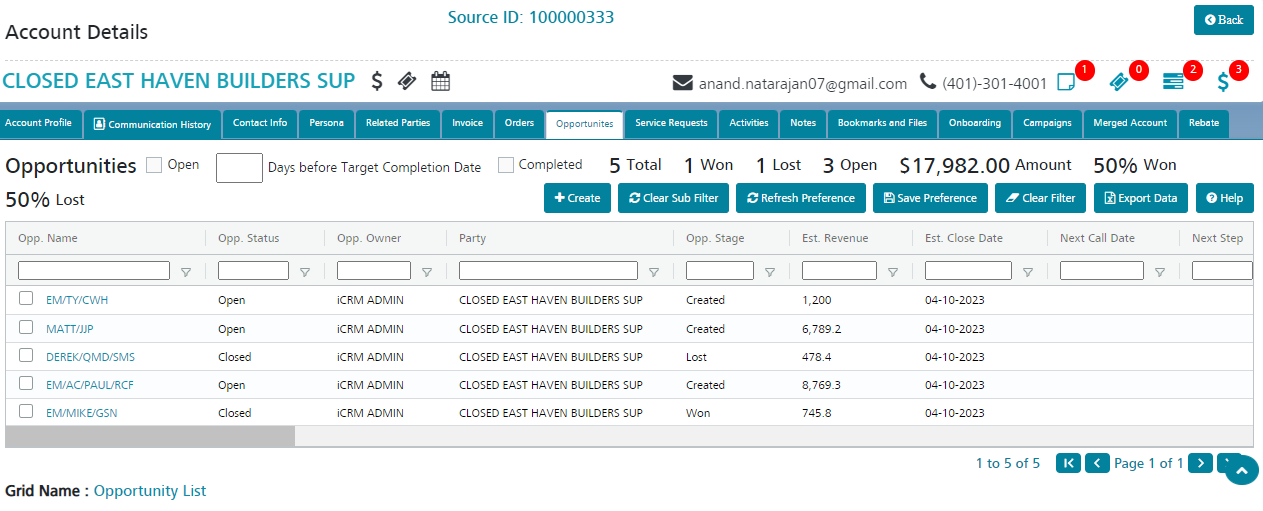
Opportunities - Accounts
Manage the Opportunities created against the account.
By default, all the Opportunities linked to the selected Account will be listed here.
Create new Opportunities against the account by clicking the Create button.
- Click Create in the Opportunities tab of the account.
- The user can fill up the configured fields (the minimum of which are listed below) and click ‘Save’.
- Opportunity Name
- Party (auto populated)
- Opportunity Owner
- Opportunity Stage
- Estimated Close Date
Please refer to the Opportunity Fields list for more details on the Opportunity fields.
4. A new Opportunity linked to the Account will be created and the user will be redirected to the View page of the Opportunity.
Please refer to the Opportunity section for more details on Opportunities.