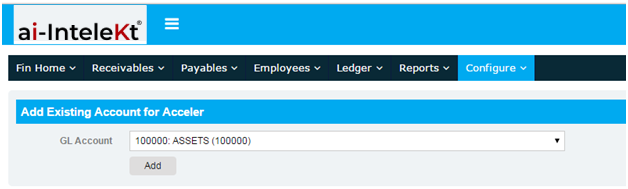
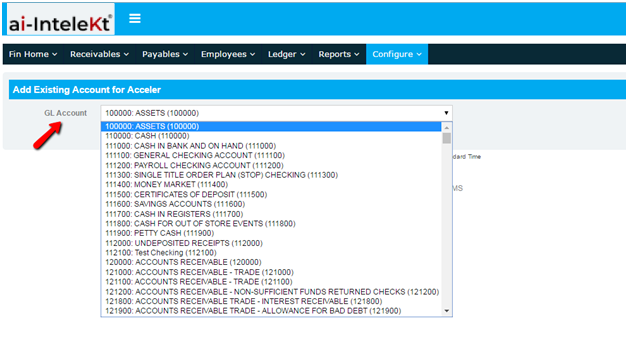
How to reactivate an account? 1. To reactivate an account, click the “ADD EXISTING ACCOUNT” button found at the far right side of your Chart of Account’s screen. 2. You will be redirected to this page. 3. Search for the deleted account, and click the “ADD” button. Related Resources Service Request Opportunities Accounts Customer Contacts