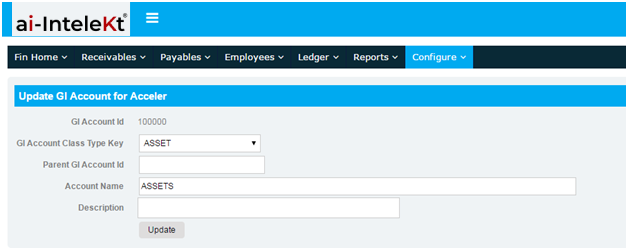


1. Click the “EDIT” button of the account you want to change. As an example, click 100100: CASH, and you will be redirected to this page.
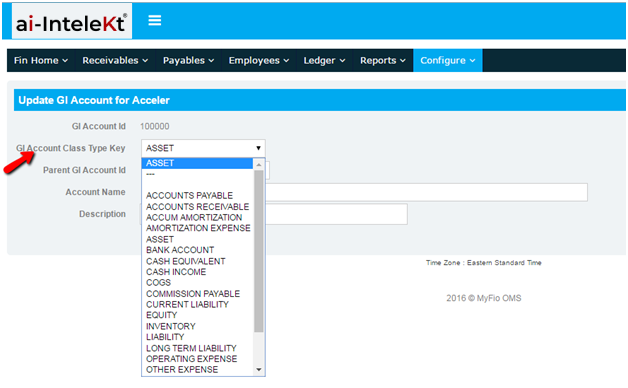
a. Provide the General Ledger (GL) Account Class Type Key.
b. Provide the Parent GL Account.
c. Provide the Account Name, the nature of the account (Description).
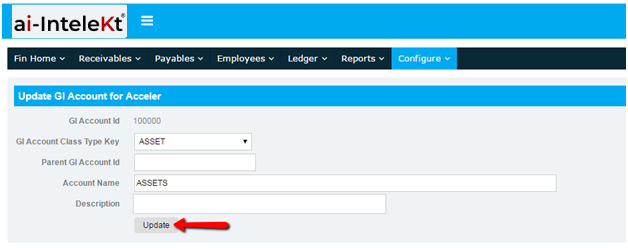
2. Click the “UPDATE”
3. A notification message will appear at the top left of your screen indicating your successful entry.
NOTE: Make sure you have the correct Parent GL Account Code and the Account Code; or if you want to add a new one, make sure the new account does not share the same code with a different account.