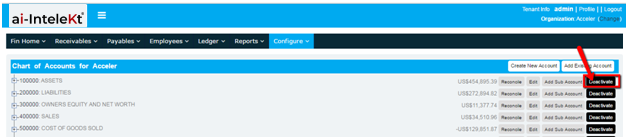
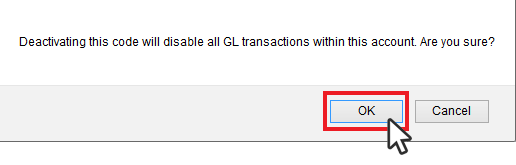
How to deactivate an account (Chart of Accounts)? 1. You can deactivate an account by clicking the “DEACTIVATE” 2. Wait for a confirmation message, and click “OK”. Related Resources Service Request Opportunities Accounts Customer Contacts