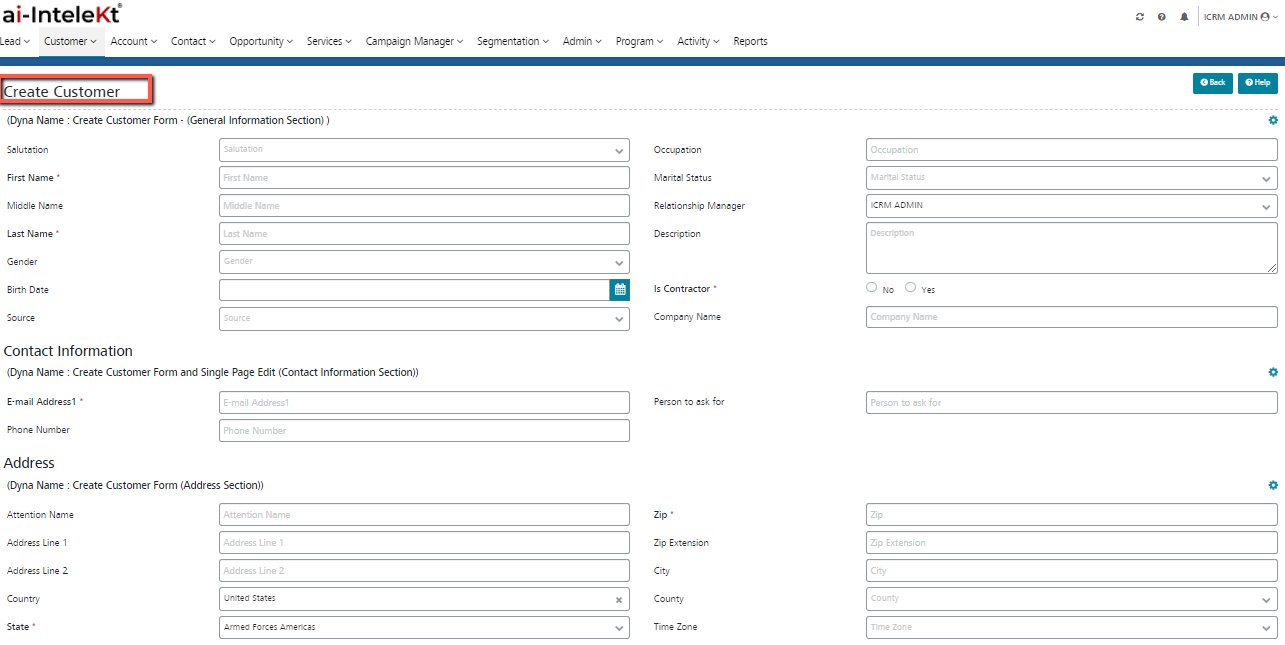


A Customer will be created for each individual customer. The customer may have opportunities, activities, notes, etc., linked to it.
USER PERMISSIONS NEEDED
To create Customer: Create on Customer
To create a Customer:
A new Customer is created, and the user is redirected to the View Customer page.