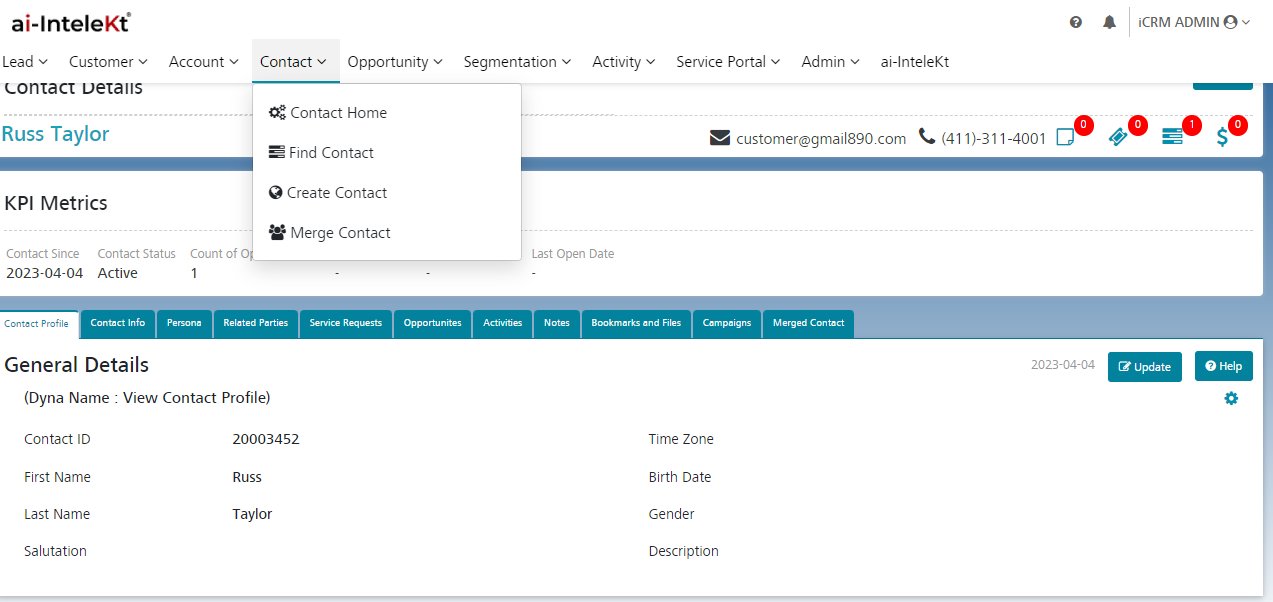


Contact will be created for each person associated with an Account/Lead. The Contact may have Opportunities, Activities, Notes etc. linked to it.
Considerations for Creating Contacts
Before you create Contacts, consider a few key points.
USER PERMISSIONS NEEDED
To create Contacts: Click on Contacts
A new Contact is created, and the user is redirected to the View Contact page.