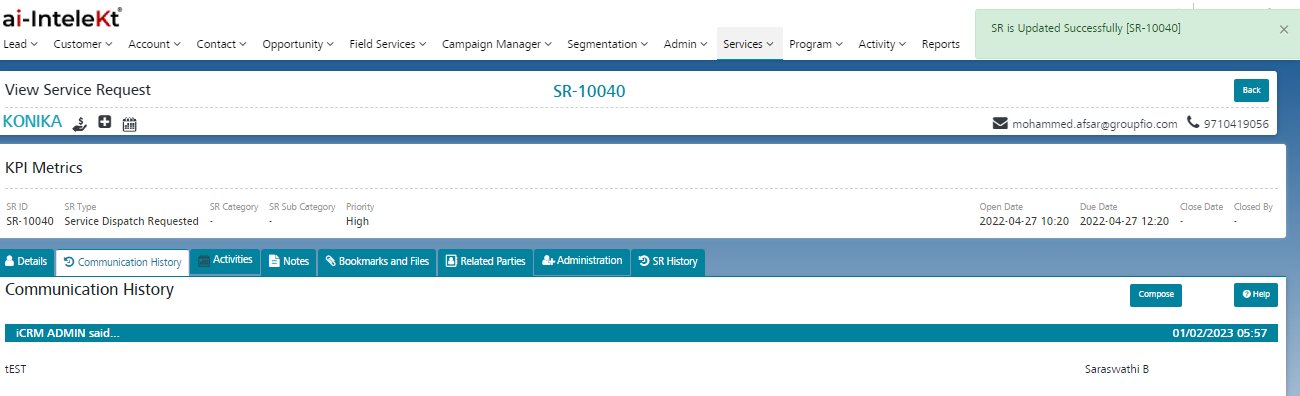
All communication responses to be displayed in the communication history and the responses will display communicated details.
User can add attachments along with the response from communication history and all attachments will get stored in the attachments tab.
When the user updates the communication history, the From Mail will be the User-registered mail ID , and the TO mail id will be the Customers mail. CC is the user login email mail ID
Email activity will be created for every update from the communication history