

When you have won or lost an opportunity, it is time to close it. An Opportunity can be closed by updating the Stage as ‘Won’ or ‘Lost’. The system will internally mark the Opportunity Status as ‘Closed’. No further updates will be allowed on an Opportunity once closed.
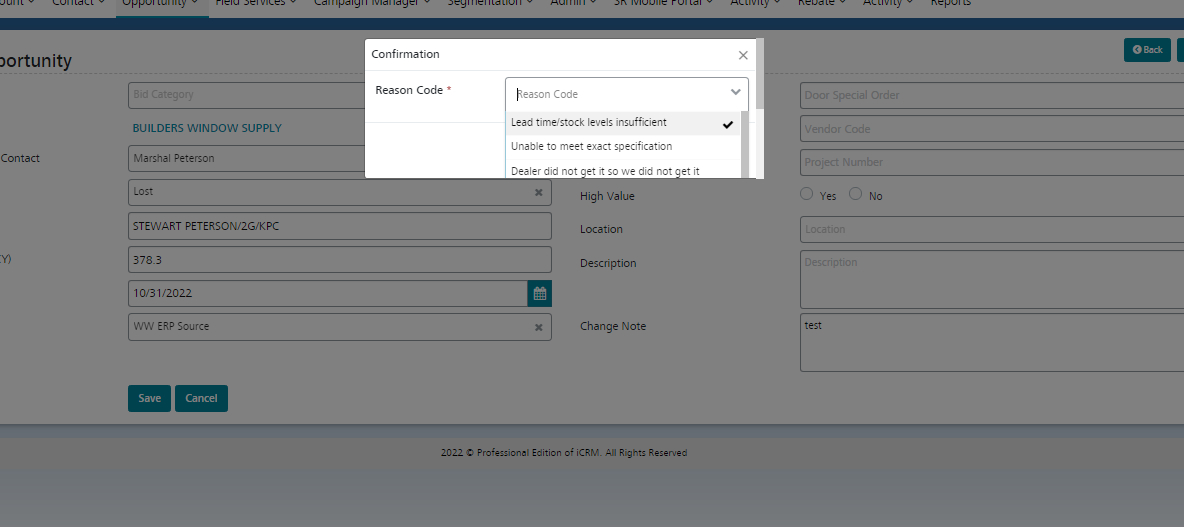
While closing the opportunity if user select the stage as Lost then reason code pop up will be enabled for the user to select the reason code for lost opportunity,
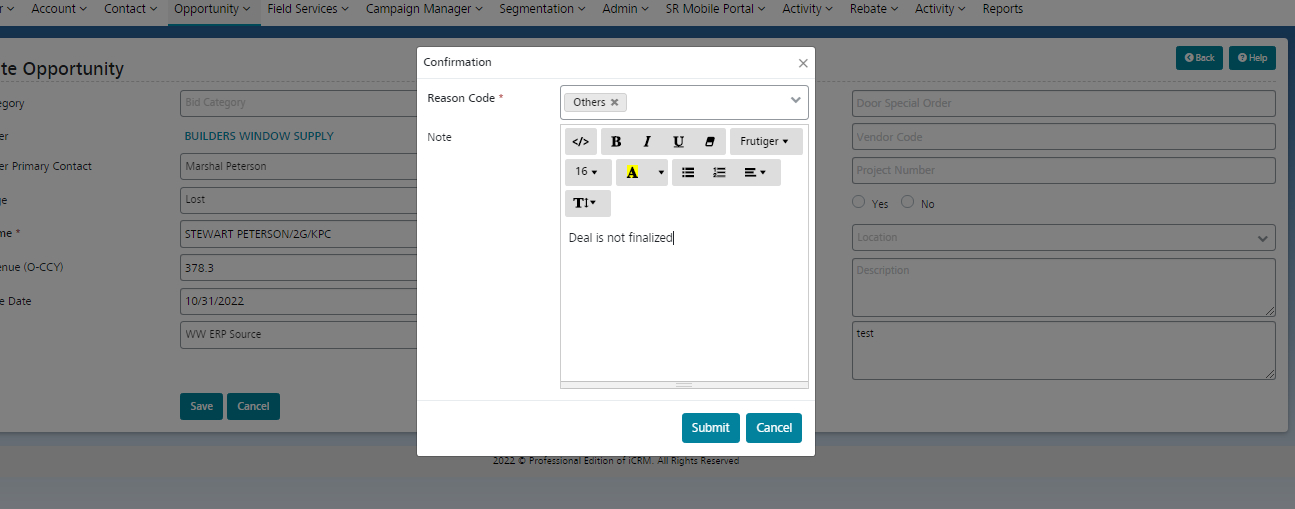
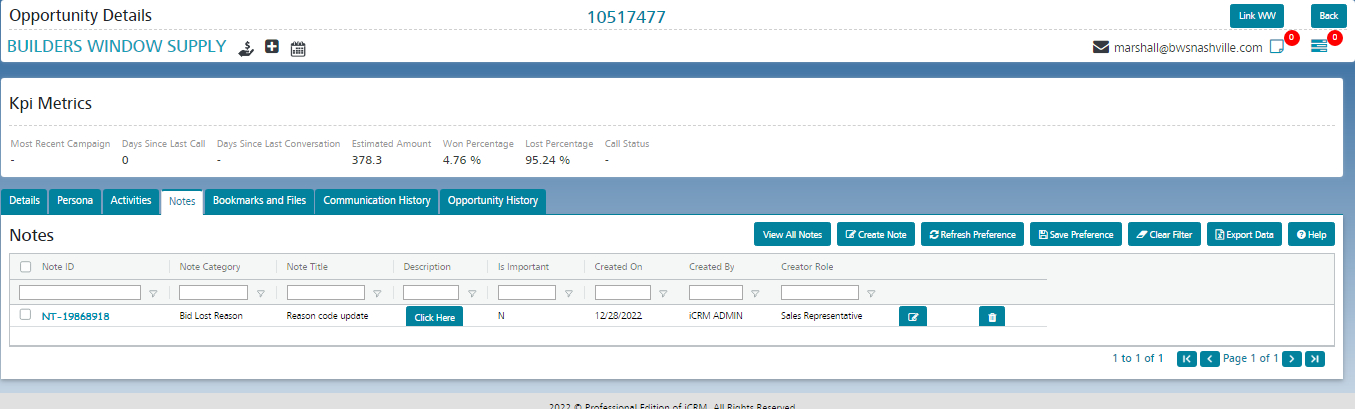
In the Reason code if user select the reason code as Others then it will pop up notes tab to enter the comments. Once the comments is entered it will be added into the notes section.
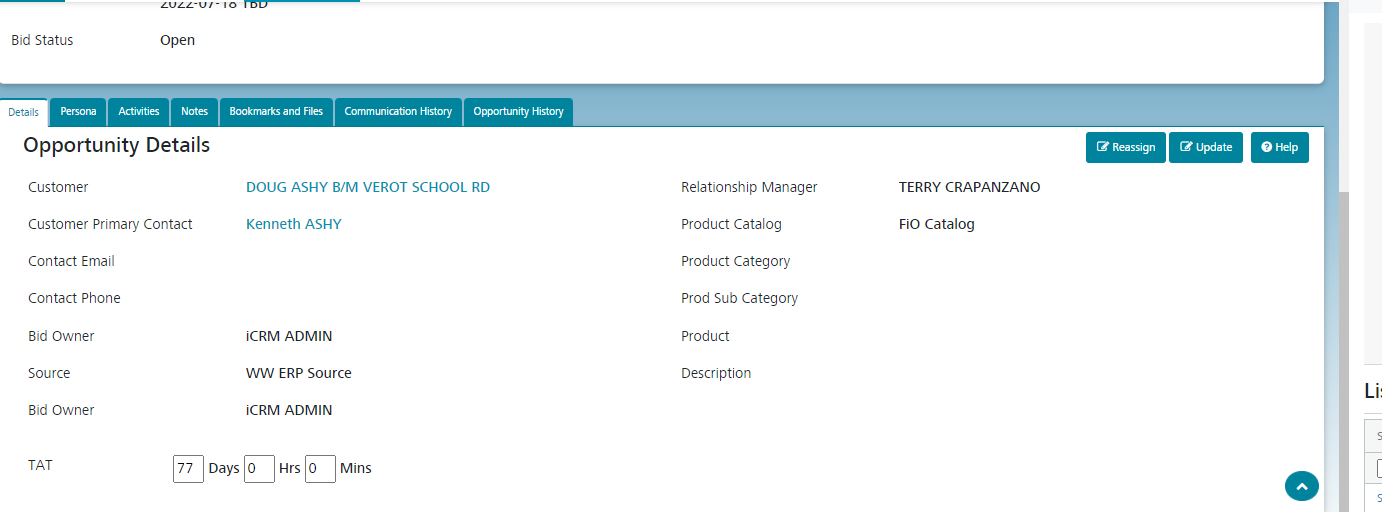
We have option to see the TAT for each opportunity level.
TAT could be computed based each stages.
From the opportunity created date the TAT will start to compute based on the different stages.
Once the opportunity is closed the TAT will compute the final value