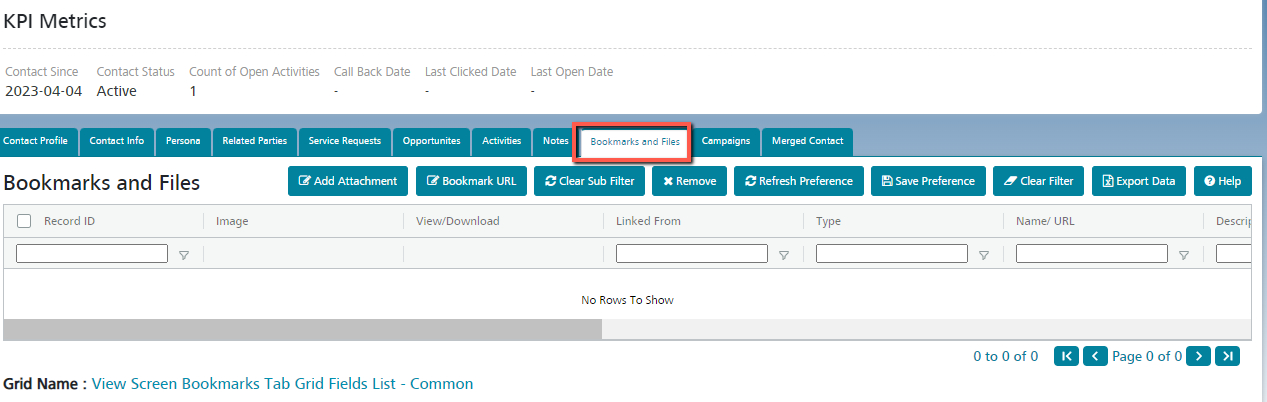
Bookmarks and Files Contact
Manage the Bookmarks and Files created against the Contact. You can bookmark URLs or attach Files such as contracts or data sheets.
By default, the Bookmarks and Files created against the Contact will be listed here.
To Bookmark URL:
- Click on the ‘Bookmark URL’ button.
- A popup will be displayed, where the URL can be entered. Optionally, a Classification (document type) and Description can also be entered.
- Click Save.
- The URL is saved and displayed on the grid.
To Attach Files:
- Click on the ‘Bookmark URL’ button.
- A popup will be displayed, with a file uploader where a file can be attached. Optionally, a Classification (document type) and Description can also be entered.
- Click Save.
- The attachment is uploaded, and the attachment name is displayed on the grid. The attachment name is hyperlinked and clicking will download the file.
To remove an existing bookmark/file:
- Select the bookmark/file by clicking on the check box and then click on the Remove button.
- The bookmark/file will be removed from the Contact.