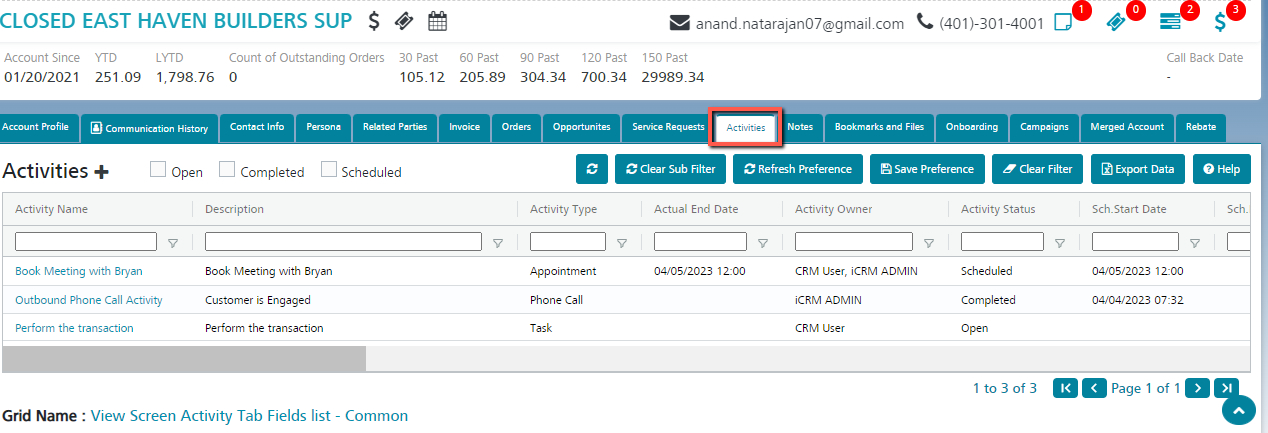
Activities – Accounts
Manage the Activities created against the account.
By default, all the Activities linked to the selected Account will be listed here.
Create new Activities against the account by clicking the Create button.
- Click Create in the Activities tab of the account.
- A selection for Activity Type (namely Task, Appointment, Email or Phone) will be displayed from which the user has to select a value.
- Based on the selection, the system will display the Create page of the selected Activity.
- The user can fill up the configured fields (the minimum of which are listed below) and click ‘Save’.
- Activity Name
- Party (auto populated)
- Activity Type (auto populated)
- Activity Owner
- Activity Date
5. A new Activity linked to the Account will be created and the user will be redirected to the View page of the Activity.