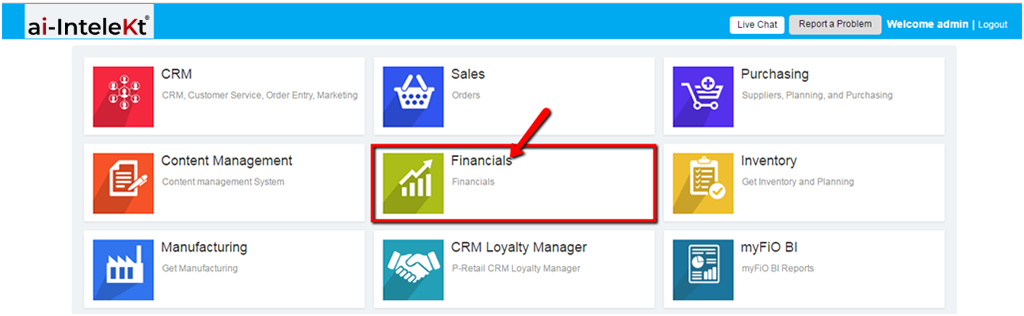



1. Once you’re logged in, click the “FINANCIALS MODULE” icon.
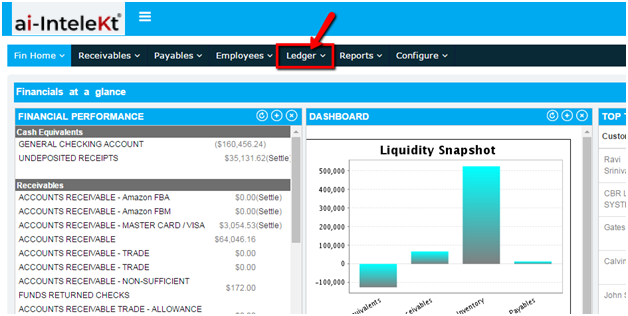
2. Click the “LEDGER” button located at the top navigation bar.
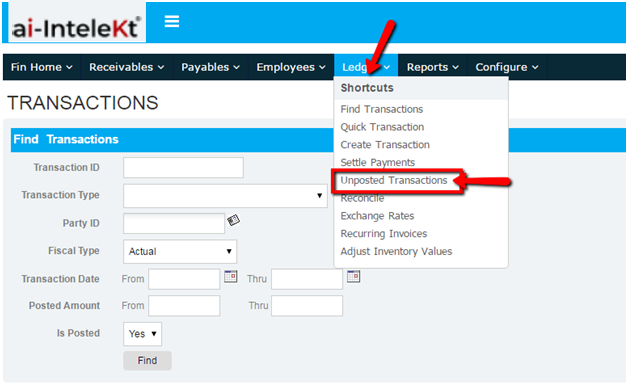
3. Click on “UNPOSTED TRANSACTIONS” button found at the left side bar.
4. All Unposted Transactions will be shown. To view the details, click a TRANSACTION ID found at the left side of the Unposted Transaction window.
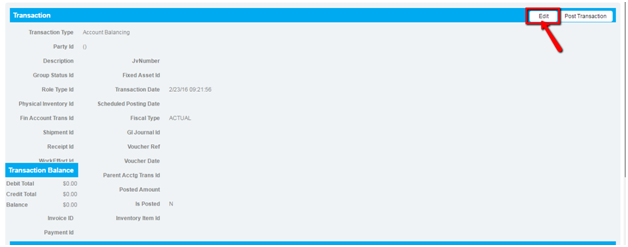
5. You will be redirected to this page. To edit any UNPOSTED TRANSACTION, click the “EDIT” button found at the top right side of the UNPOSTED TRANSACTION window.
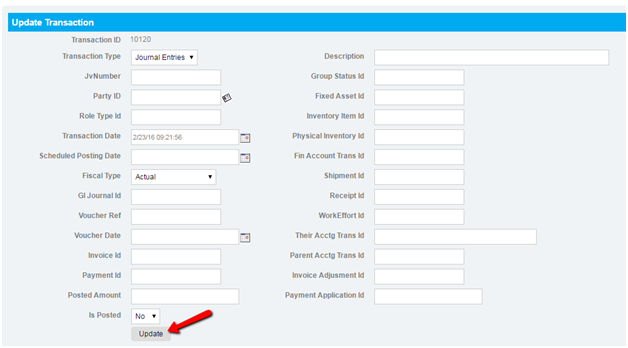
6. You will be redirected to this page. Make all necessary revisions, and click the “UPDATE” button.