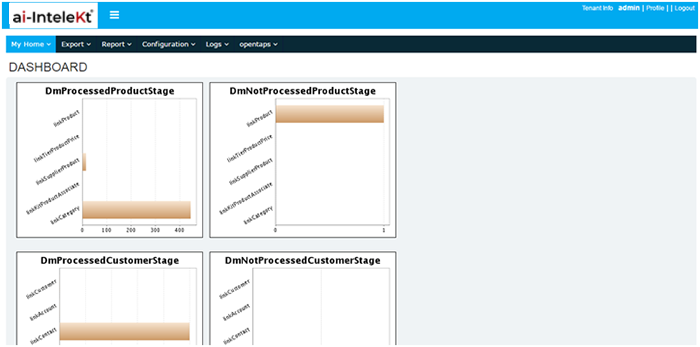


Select data migration and the screen will be displayed as below.
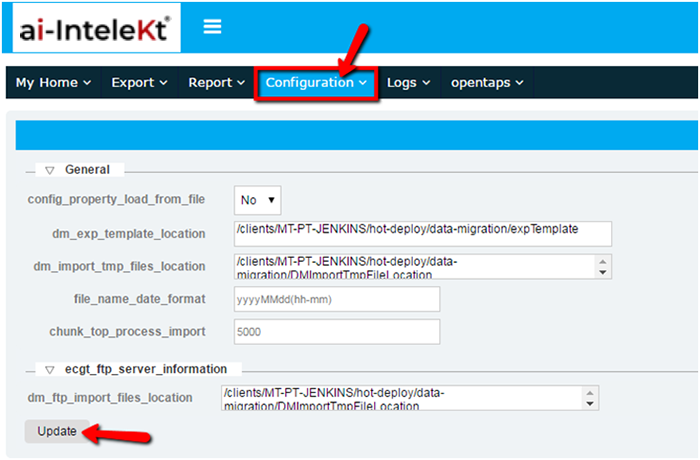
Select the configuration section and in the home screen the “edit configuration parameters” are displayed.
Enter the export template location.
Enter the import template location.
Enter the date format for the file.
The ftp import file location are specified in this field and the screen will be displayed as below.
Once the update is selected the configuration settings will be saved.
The values have to be configured and only then the import and export function will run in data migration.