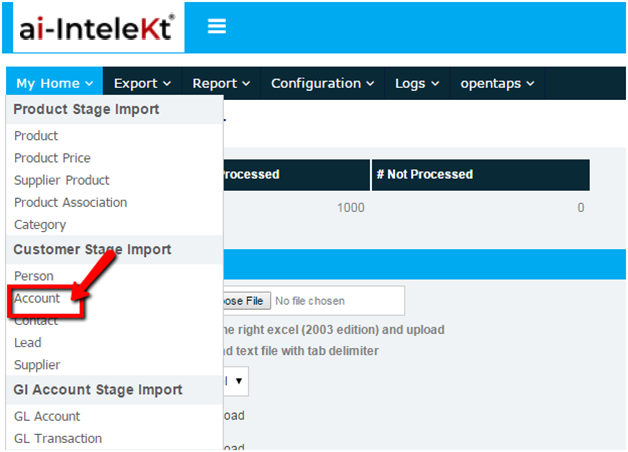


1. Select the Account from left navigation bar.
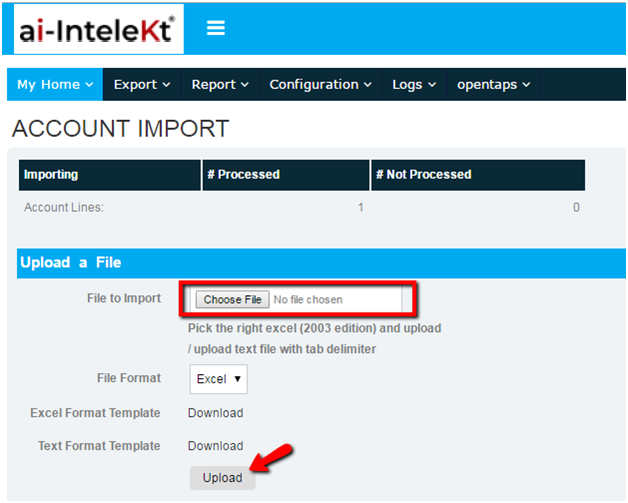
The following screen will be seen:
2. There are 2 formats to upload a file.
Excel and text format
Note: The format is available as a link and can be downloaded for reference.
3. In the excel sheet enter the account details
4. Click on Choose file option and select the saved excel sheet path. The file will be imported and if there were any problems then the number of customers will be shown in “Not processed” or else in processed state
5. Select logs tab and the errors, warning, skipped messages will be seen under log.

