

1. In this feature, the catalogue has been created and it can be associated with the stores.
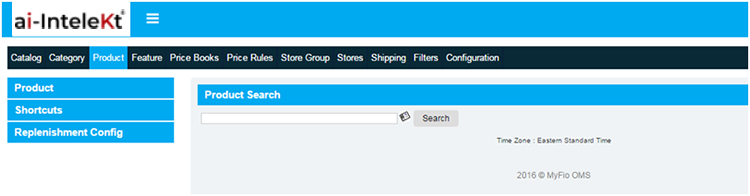
2. To view product catalog section, user need to Log on to groupfio ERP and click on CMS image link in home screen. The CMS homepage will appear as given below:
3. In CMS home page, select the product catalog section in top widgets:
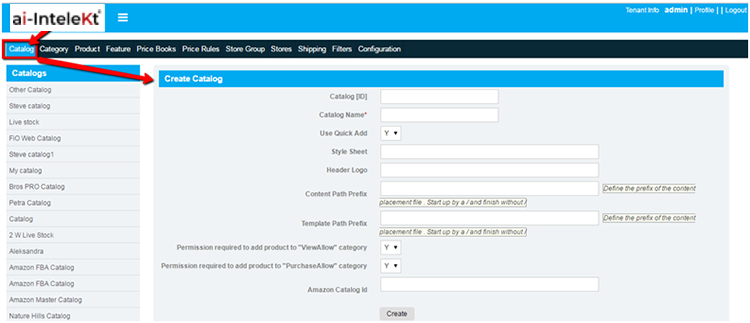
4. Click on catalog tab in top widgets, it redirects to catalog creation page:
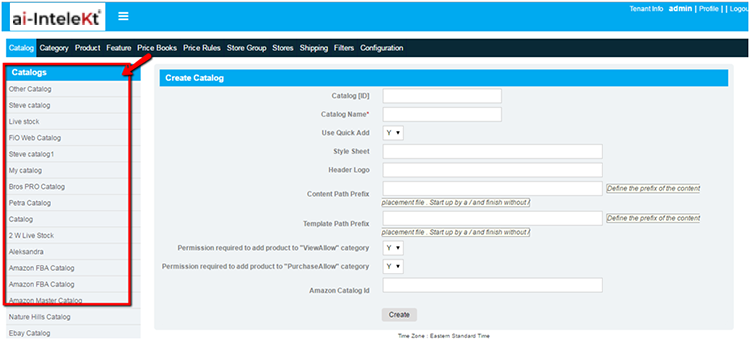
5. Once catalog has been created successfully, we can see the created catalog in left navigation menu bar:
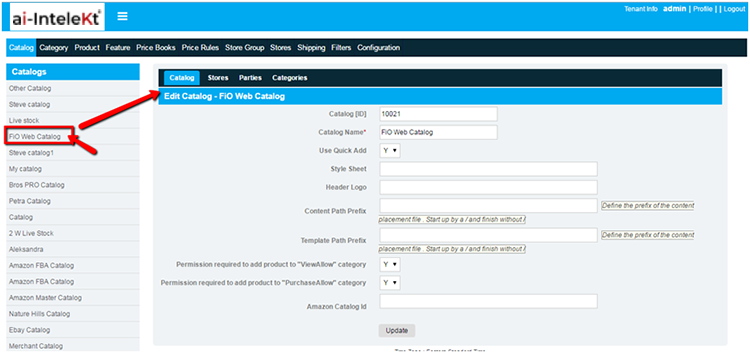
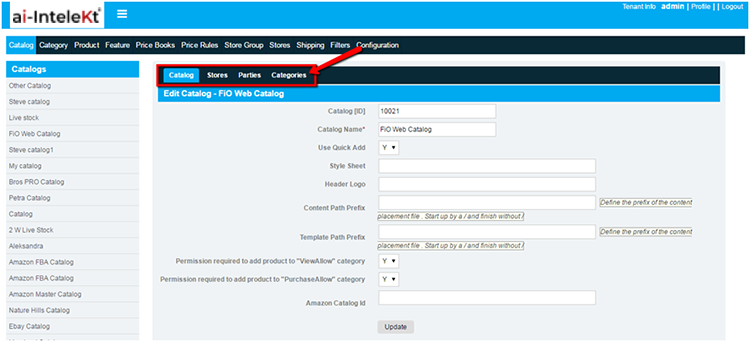
6. Click on created catalog in left navigation menu bar, it redirects to edit catalog screen:
7. Once catalog has been created, stores and categories tap should be enabled in edit catalog screen: