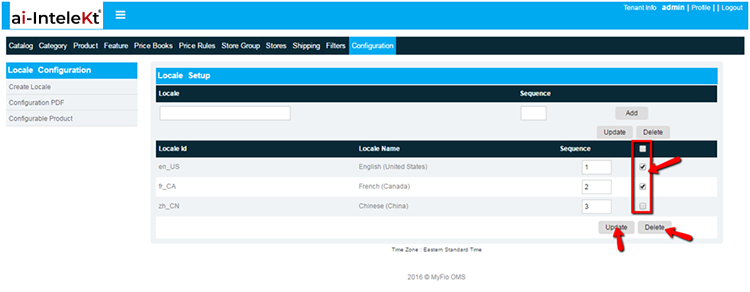


There is a configuration section to configure a locale set up in CMS configuration section.
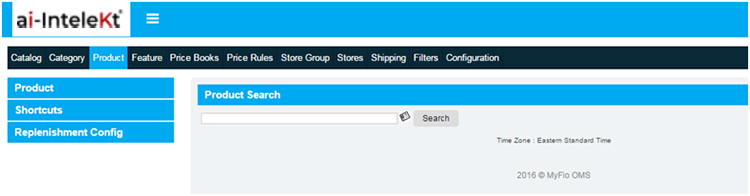
To configure locale, user need to Log on to groupfio ERP and click on CMS image link in home screen. The CMS homepage will appear as given below:
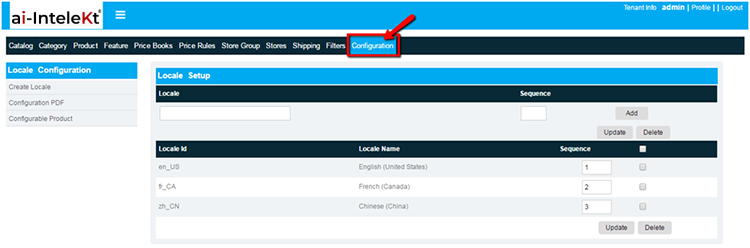
Click on configuration tab in top widgets in CMS home screen, the screen redirects to locale configuration page:
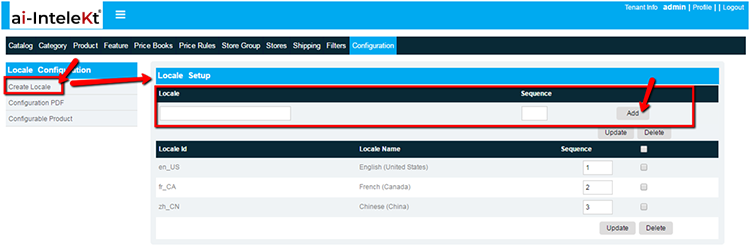
Select the create locale and enter the following fields
select “Add” button
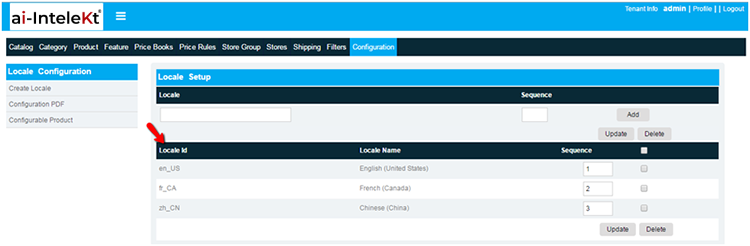
The created locale is displayed in the locale list and it can be updated or deleted in locale set up page
Click on corresponding check box to update or delete locale:
Based on the locale sequence number, system will display the locale.