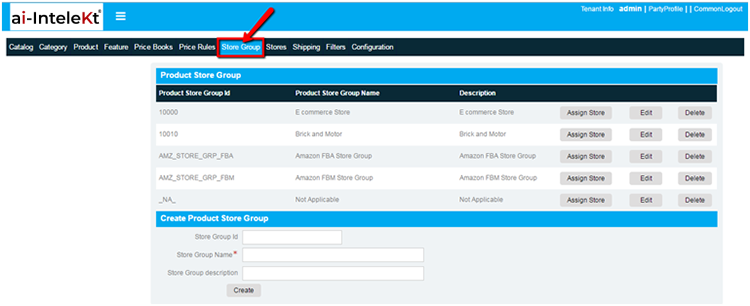


To set up store group, user need to Log on to MyFiO ERP and click on CMS image link in home screen. The CMS homepage will appear as given below:
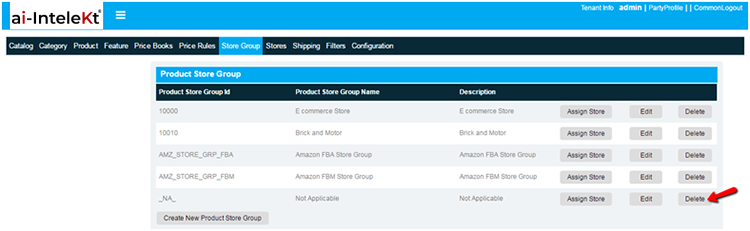
Click on store group tab in top widgets in CMS home screen the page will redirects to products store group screen:
Store group creation:
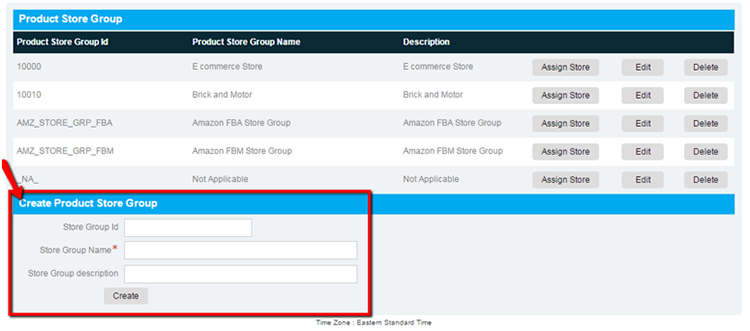
Initially store group has to be created, Select product store group page application have options to create store group:
Enter store group name and all fields and click on create button to create store group:
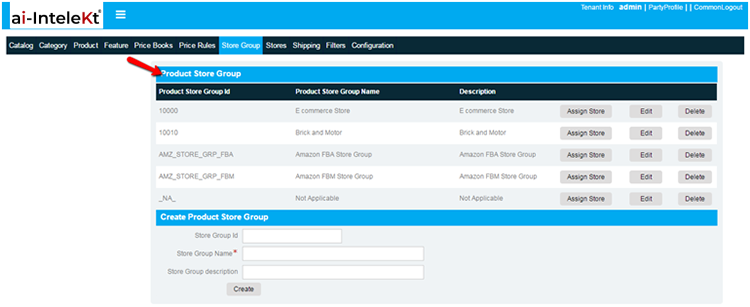
After the creation of store group, The created store group is displayed in product store group section:
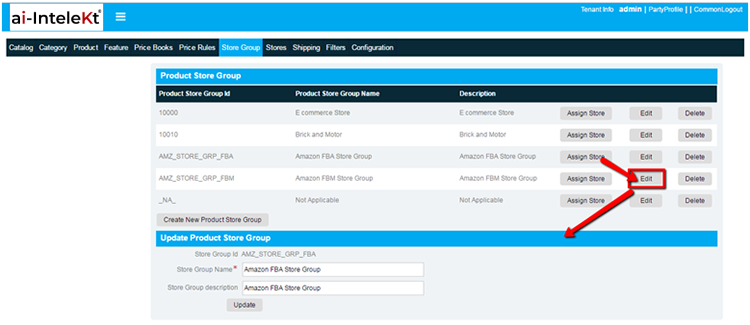
Application has options to Update and delete store groups:
To update store group, click on edit button it redirects to update product store group screen
To delete store group click on delete button in product store group section: