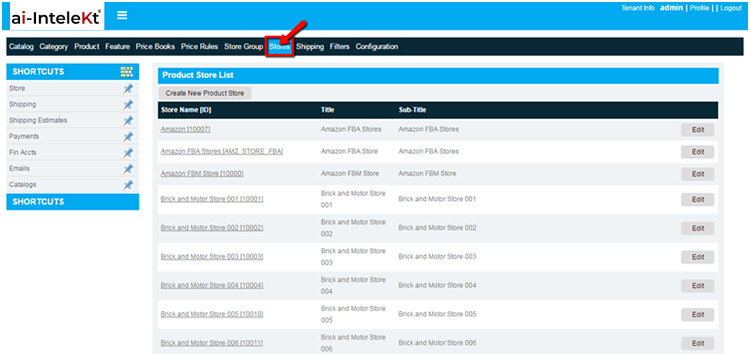


Click on store tab in top widgets in CMS home screen the page will redirect to products store screen.
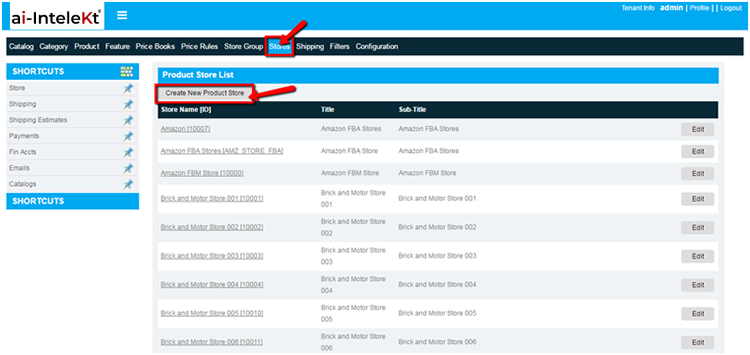
Select the Create new Product store button and the screen will appear as below
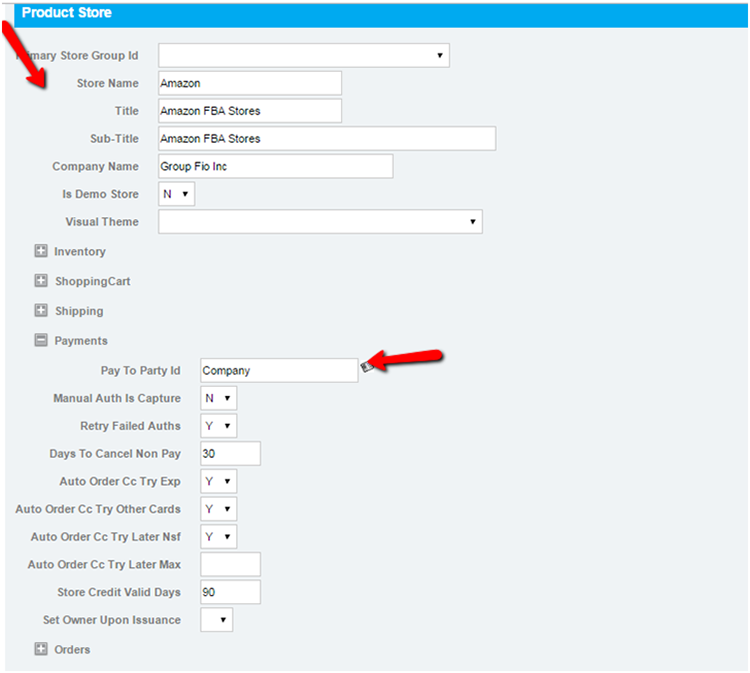
Enter the basic information for the store,
Then click on “Payments” and select the “Pay to Party id” as “Company”. All the sales transaction posted to party Id as “COMPANY”
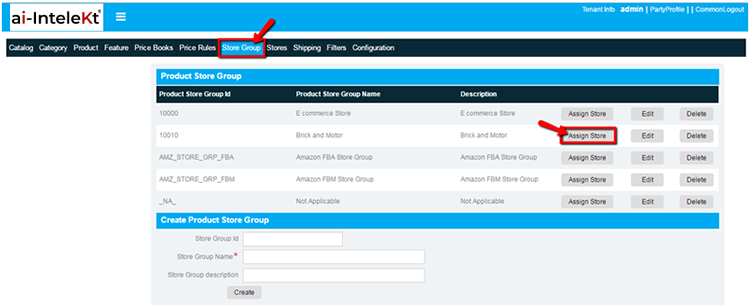
Once store group and stores set up has been done, we can able to associate store for store group
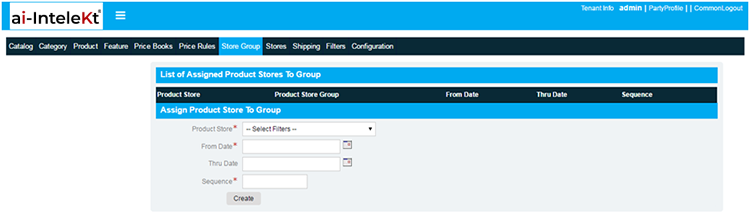
To associate store with store group click on assign store button in store group it redirects to assign product store group to group screen:
Select product store from dropdown list box, enter from and thru date and enter sequence number after adding valid data click on create button:
After association, we can see the association in “assign product store to group” section:
We have options to update and delete association with store group with store: