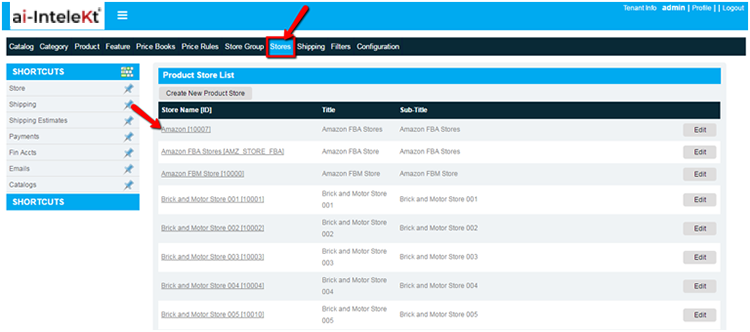


Select the CMS stores and the following page will be displayed
Select the store for which the users have to activate the emails for order and invoice
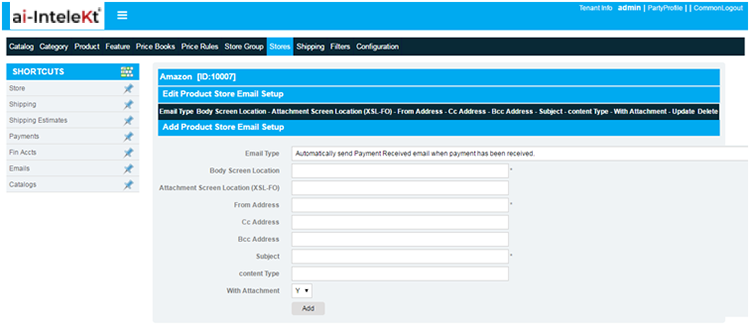
Select Emails from the stores screen and the page will be displayed as below
The email set up can be added to the store by the following steps
Enter the details in the add email set up section
Select the add button and the newly created email set up will be stored in the list.
Once the set up is completed the email will be configured for the particular store . This will be sent to the customer accordingly.