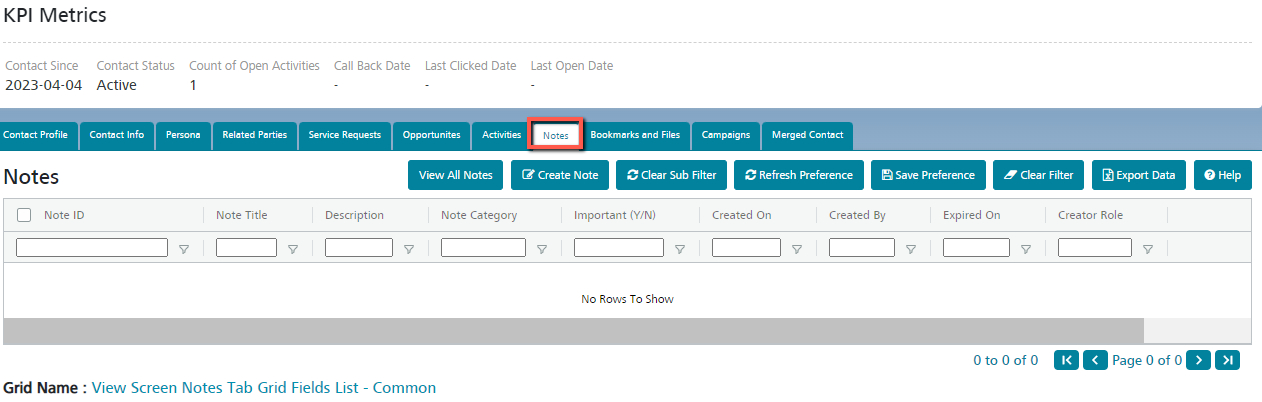
Notes Contact
Manage the Notes created against the Contact. Notes can be used to jot down points of discussion during customer meetings.
By default, the Notes created against the Contact can be viewed here.
To create a new Note against the Contact:
- Click on the ‘Create Note’ button.
- In the popup displayed, enter a Note Title and Description. There is an additional option to mark a note as important. Once done, click Save.
- A new note attached to the Contact is created and displayed on the grid.
To remove an existing note:
- Select the note by clicking on the check box and then click on the Remove button.
- The note will be removed from the Contact.
To update an existing note:
- Click on the Edit icon next to each note.
- The Note detail screen will be displayed as a popup.
- Make the required changes and click on Save.