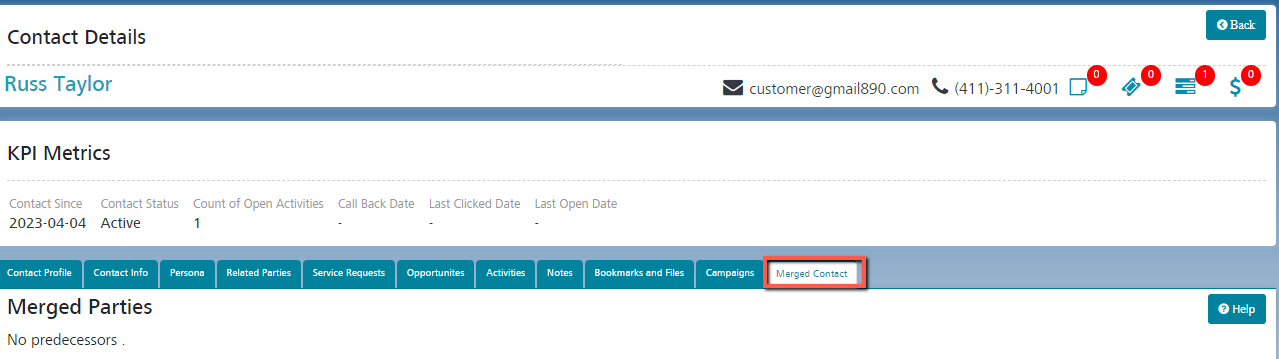
Merge Duplicate Contact Keep your records clean and free of duplicates so you can reach more customers and maintain better relationships with them. Go to Contacts -> Merge Contacts Select a ‘From Party ID’ (predecessor) and a ‘To Party ID’ (successor) and click the ‘Merge Party’ button. The predecessor Contact will be displayed in the ‘Merged Contact’ tab of the successor contact. Once merged, the predecessor is no longer searchable on iCRM. However, the successor is searchable. Related Resources Service Request Opportunities Accounts Customer Contacts