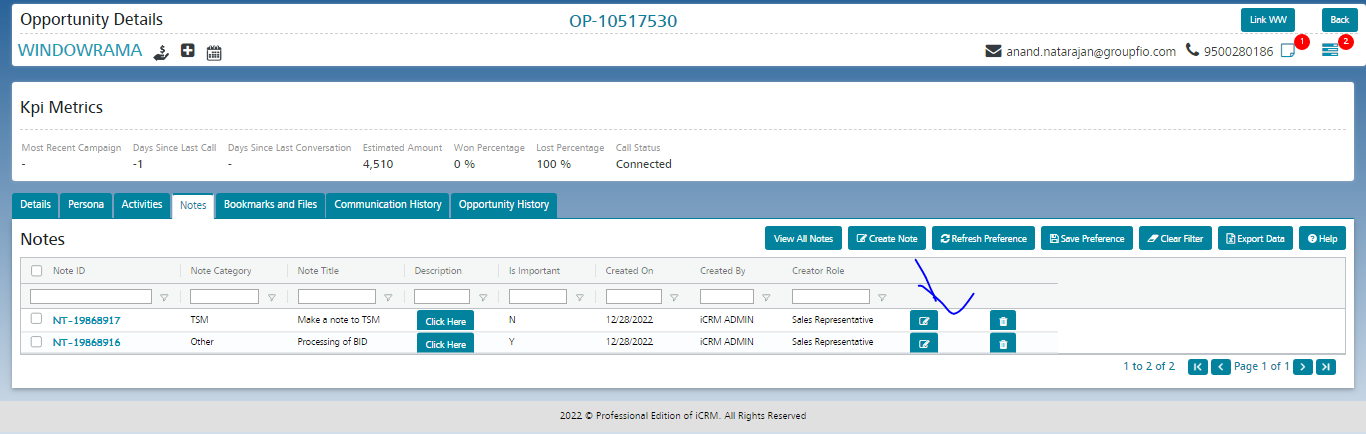


To edit notes, click on the edit icon under the notes tab, once the user clicks on the edit icon the pop-up page should display to edit the contents, update the contents, and click on save
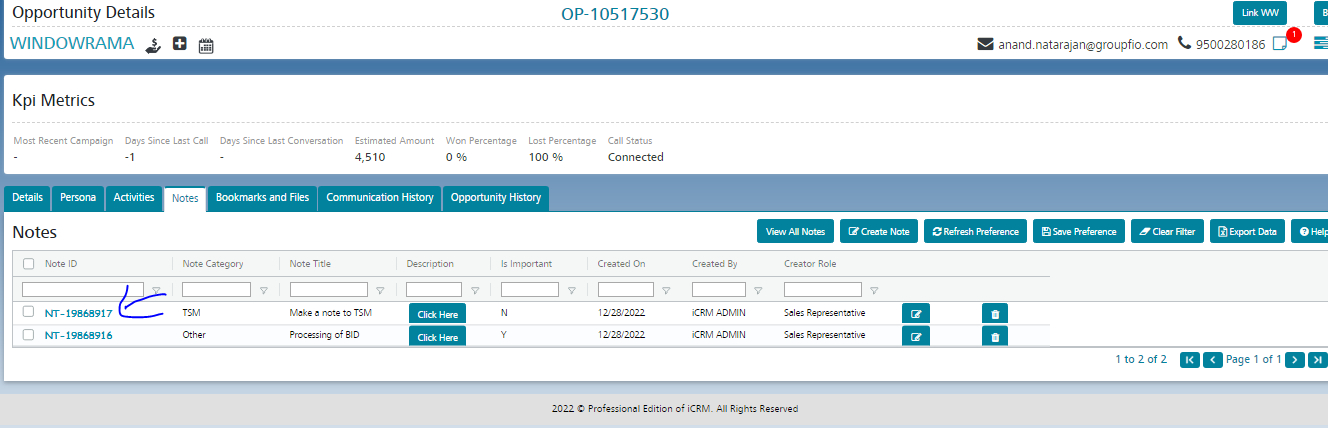
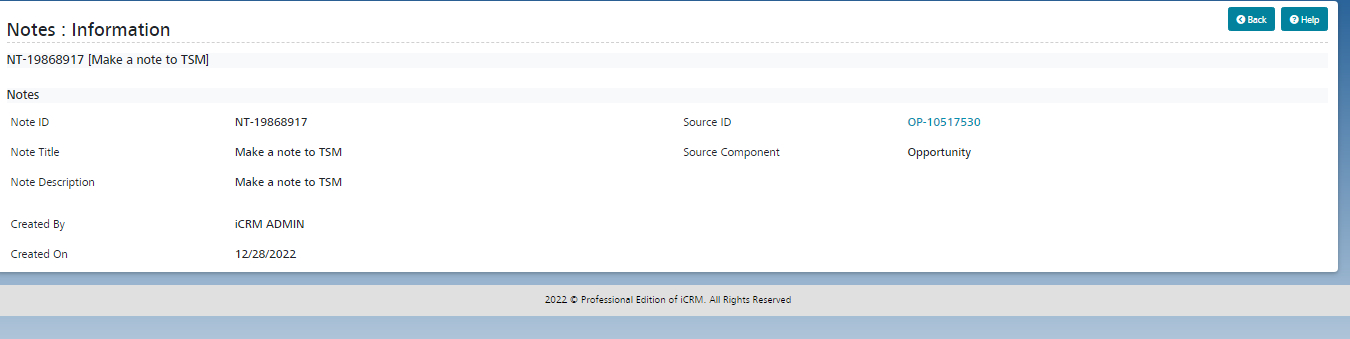
To view single notes, click on the Note ID hyperlink, and the form will redirect to the view notes screen to view the details of single notes
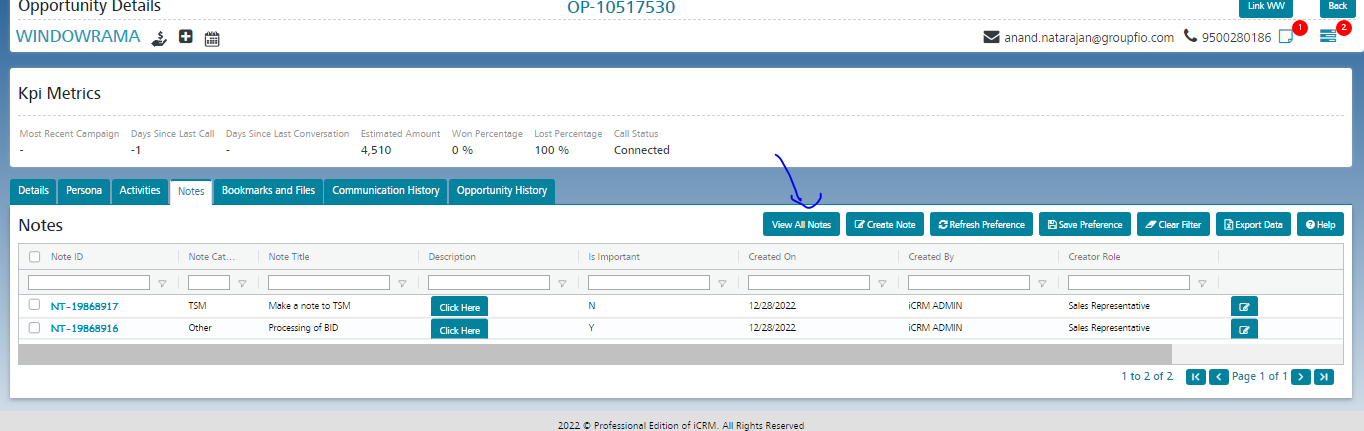
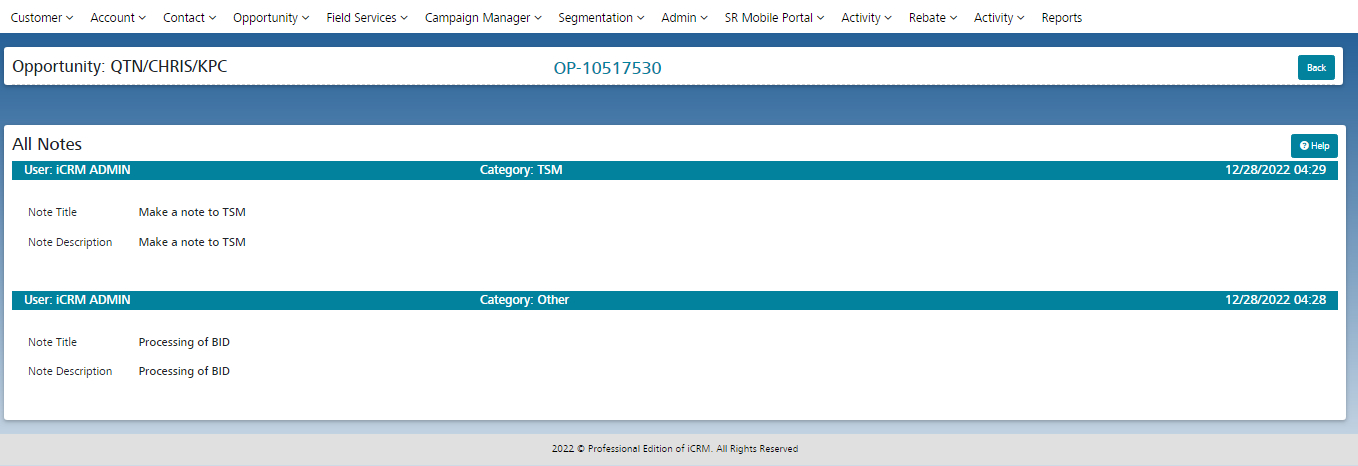
Click on the view all notes button to view all the notes