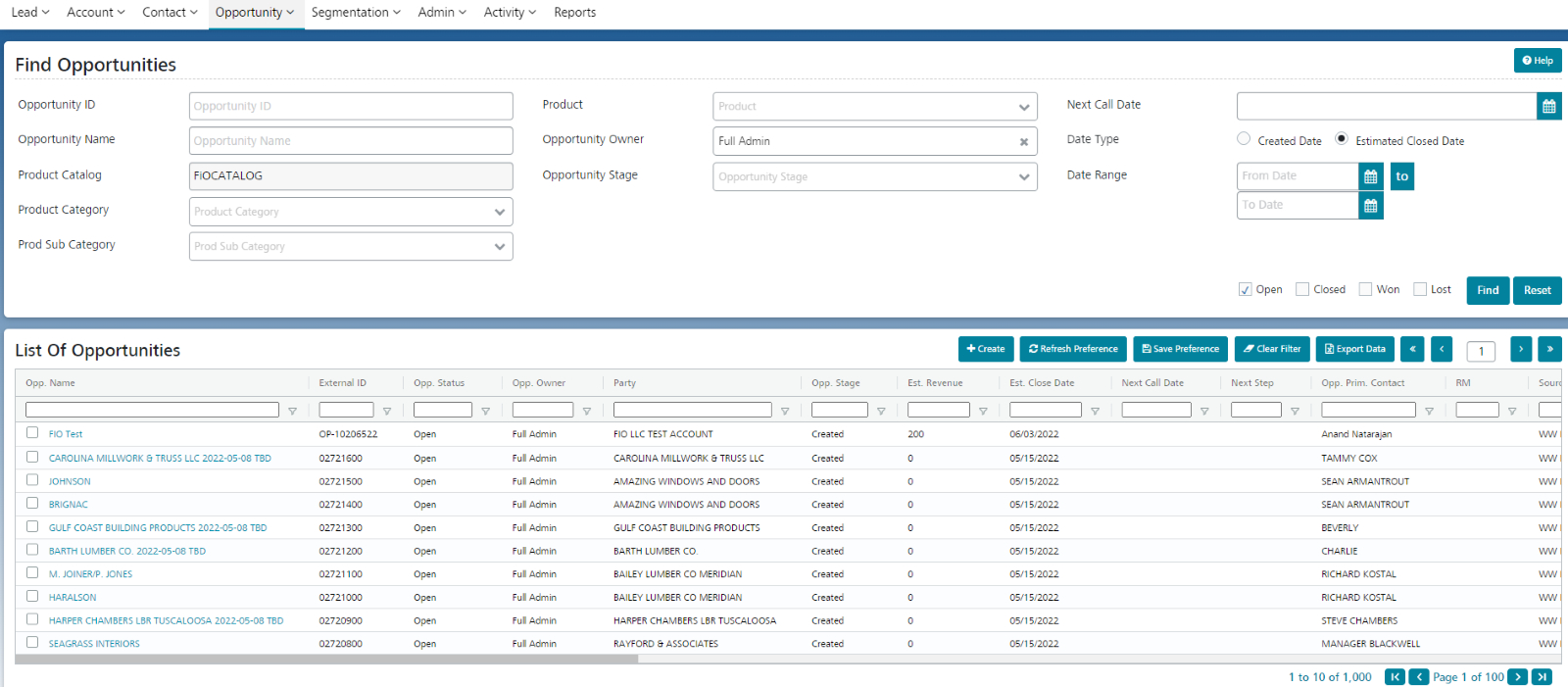
Every business is unique and involves a unique sales process.Create new Opportunity Stages or customize existing stages from the Opp. Stage Configuration screen.
Go to Admin -> Para Unit Setup -> Opp. Stage Config.
Click on Create to create a new stage.
Select the corresponding Opportunity Status value and the probability. Enter values in the remaining mandatory fields and click Save.
The new stage is created, and the user is redirected to the View Stage screen.
Click on the Update button in case you want to customize existing stages.
Currently, thesystem is configured for the following stages